Capability plan

One calm interface.
Every layer of the property.

Eight connected capabilities take HomeHub from room control to a complete residential and building operating layer. Each module remains useful on its own and becomes more intelligent when it shares context with the others.

Smart access at a private residence
01 / Access

Control the threshold, not just the lock.

The door page should show the live lock state, door contact, battery, last action and who performed it before presenting the unlock control.

Daily control

Lock and unlock with deliberate confirmation, view ajar or forced-entry states, create time-limited PINs and revoke access instantly.

Trust layer

Role checks, biometric re-authentication for remote unlock, offline fallback, immutable event history and alerts when lock and door state disagree.

Integration

Matter, Zigbee, Z-Wave or vendor bridges behind one capability model; access events can trigger arrival and away scenes.

Recommended rollout

Start with status and audit history, add controlled remote actions, then guest credentials and automation hooks.


Video intercom and discreet home camera
02 / Cameras + intercom

A live view that stays useful, not noisy.

A security page combines favourite cameras, recent motion events and visitor calls. Tapping a card opens low-latency live video, snapshots, timeline and two-way talk.

Live + recent

ONVIF camera discovery, RTSP/WebRTC viewing, encrypted snapshots, motion thumbnails and event filters by camera, person or zone.

Communication

Answer intercom calls from app or wall panel, speak to visitors, trigger a gate or approved scene, and hand a call to another resident.

Privacy

Local recording options, retention controls, camera privacy modes, visible recording state and strict role-based playback access.

Recommended rollout

Ship live ONVIF views and snapshots first, then motion timeline, intercom talk and person-aware events.

Voice and music in a premium living space
03 / Alexa + media

Voice outside. HomeHub intelligence inside.

Users choose exactly which HomeHub rooms, devices and scenes Alexa may discover. HomeHub remains the source of truth and records the resulting command like any other interface.

Natural commands

“Alexa, start Movie Night,” “dim the living room” or “set upstairs to 24 degrees,” with friendly names managed in HomeHub.

Music control

Now playing, play/pause, room grouping, volume, favourites and source selection using supported audio platforms and Alexa-connected endpoints.

Boundaries

Voice exposure is opt-in per device. Sensitive actions such as unlock stay restricted or require a PIN and explicit policy.

Recommended rollout

Use the existing Matter or Hue bridge for device control, then add media adapters and multi-room grouping.

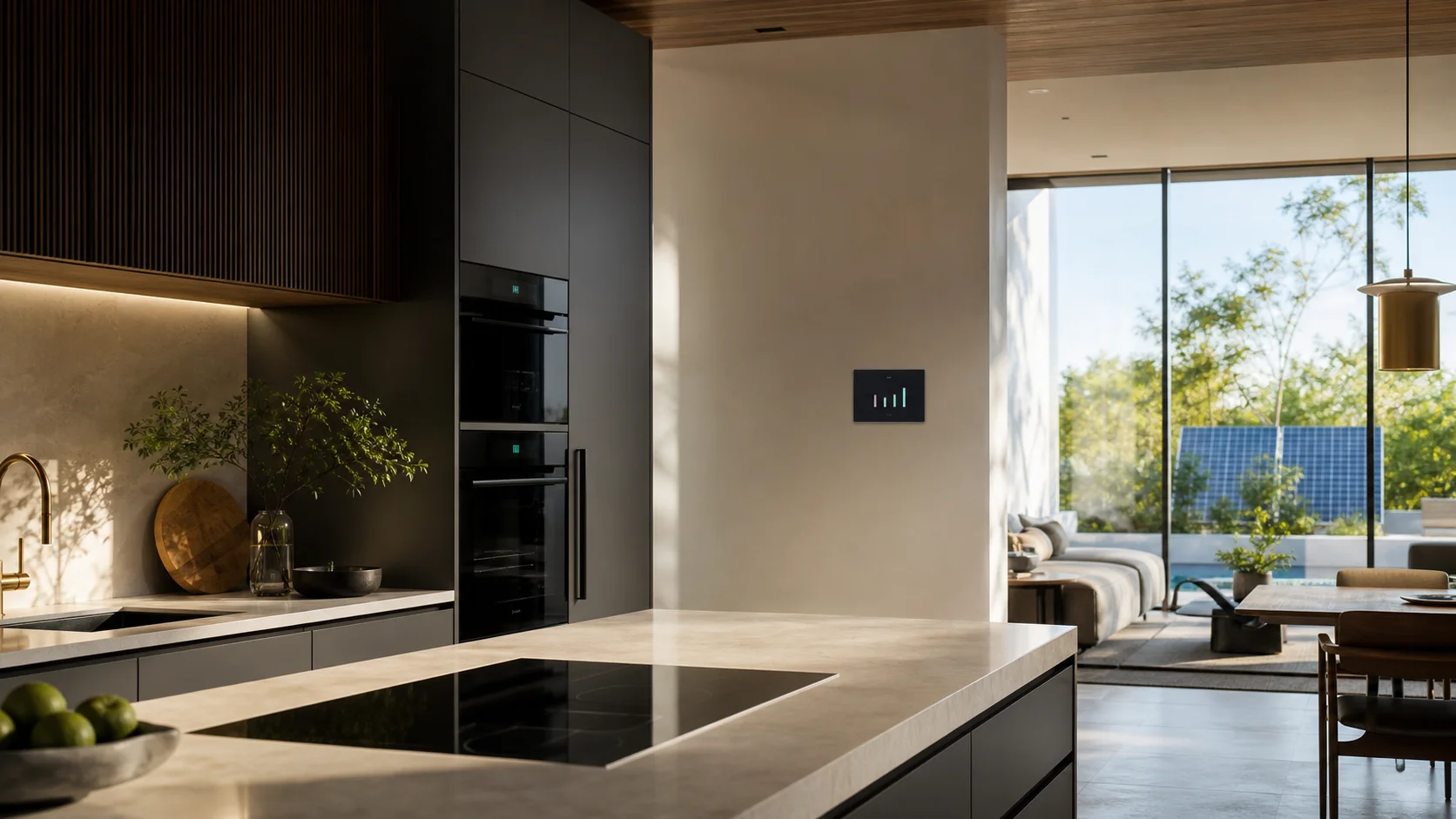
Energy intelligent home interior
04 / Energy

Turn consumption into decisions.

The Energy page opens with today versus budget, then breaks usage down by home, room, circuit and appliance without pretending estimates are measurements.

Measure

Smart plugs, meter clamps, Modbus meters, inverter and utility feeds with data-quality labels and cost conversion by tariff.

Budget

Daily and monthly limits, forecast at current pace, alerts before overrun and separate baselines for cooling, hot water and always-on loads.

Act

Suggest shifting flexible loads to cheaper periods, identify abnormal standby draw and optionally trigger approved load-shedding automations.

Recommended rollout

Begin with whole-home and known-device metering, then budgets, anomaly detection, solar and tariff-aware automations.

Home responding intelligently to afternoon sunlight
05 / Home AI

Answers grounded in the house itself.

Ask “Why is this room warm?” and receive a concise explanation based on real sensor history: solar gain rose, the west shade stayed open, occupancy increased and cooling has not reached setpoint.

Evidence first

The assistant queries live state, history, weather, energy and automation traces, cites the observations it used and clearly marks uncertainty.

Safe action

It can suggest a change, preview its effect and request confirmation before any sensitive or multi-device command.

Private by design

Deterministic local answers handle common questions. Optional model use receives the minimum relevant context and follows the same permissions.

Recommended rollout

Launch climate and energy explanations first, then troubleshooting, recommendations and carefully scoped action-taking.

Coordinated morning automation
06 / Automations

Simple to compose. Easy to explain.

A guided builder presents When, If and Then in plain language. Advanced users can add time windows, occupancy, weather, energy price, delays and multiple actions.

Templates + custom

Start from Good Morning, Nobody Home, Water Tank, Garden Irrigation and Energy Budget, then adapt every condition and action.

Test safely

Dry-run against current state, warn about loops and conflicting rules, show affected devices and preserve physical manual control.

Explain every run

A trace reads: triggered by motion, skipped because guest mode was active, or completed with one offline device.

Recommended rollout

Extend the current rules engine with a visual builder, templates, simulation and shareable automation blueprints.

Different people entering a connected home
07 / People + roles

The right control for each person.

The People page shows residents, guests, staff and integrators with role, presence, active credentials and recent access—all without turning family life into employee administration.

Roles

Owner, admin, family, child, guest, staff and integrator defaults, plus custom access by home, room, device, action and schedule.

Presence

Optional phone geofence, keypad, lock and local occupancy signals enable arrival scenes without exposing precise location to every user.

Lifecycle

Invite, approve, suspend and expire access; show active sessions and credentials; protect the last owner from accidental removal.

Recommended rollout

Build on existing multi-role auth, then add scoped permissions, invitations, credential lifecycle and household presence views.

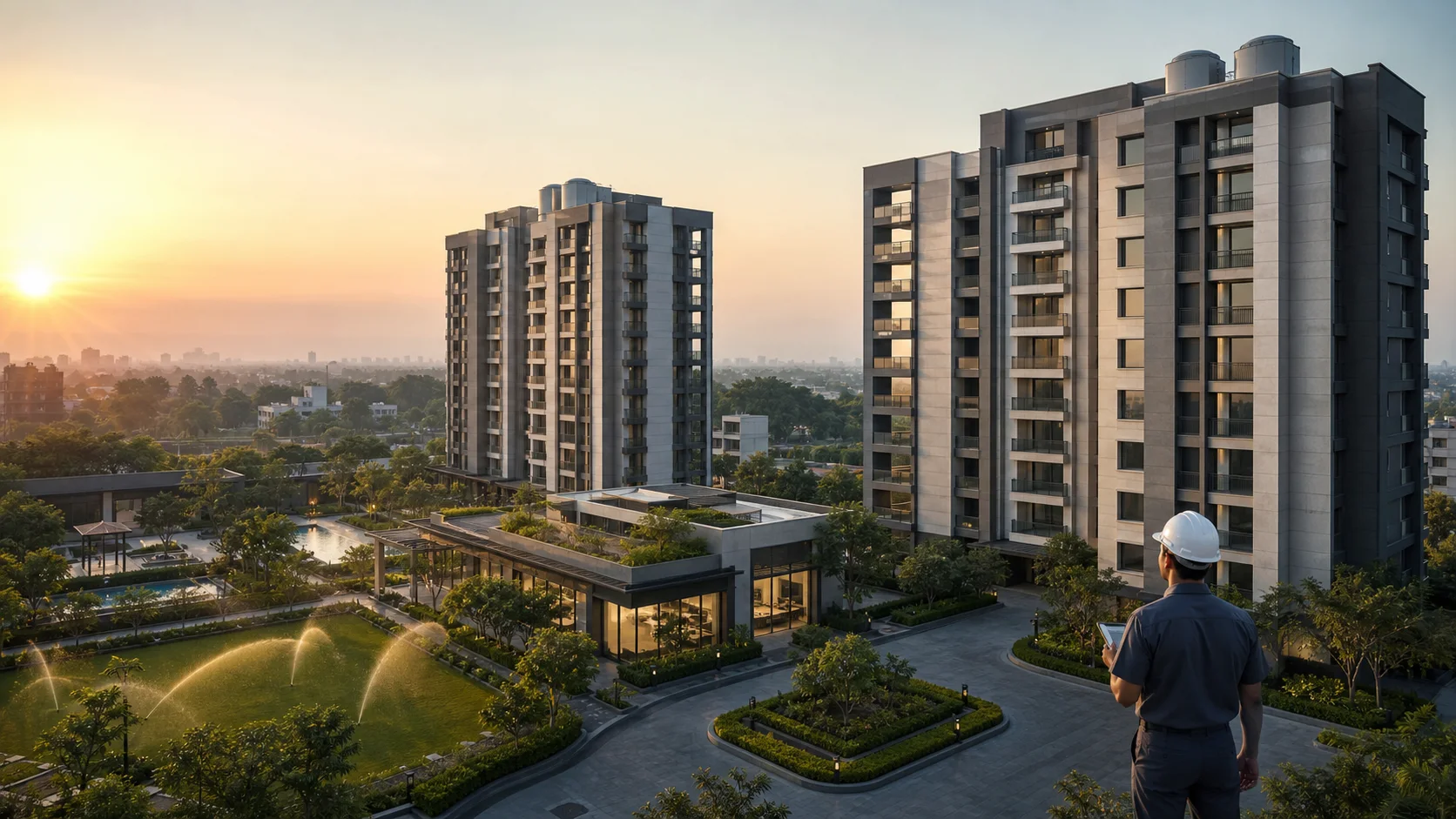
Managed residential estate with multiple buildings
08 / Estates + buildings

Site, tower, floor, flat—without losing the whole.

A portfolio switcher moves from every site to one building, common area or flat. Builders see commissioning and health; facility teams see operations; residents see only their home.

Portfolio hierarchy

Organisation → site → building → floor → unit → room → device, with inherited policies, tags, search and fleet health across locations.

Building services

Lift status through approved vendor or BACnet interfaces, common-area lighting, pumps, tank levels, water consumption, gates and alarms.

Water + landscape logic

Tank automation uses level hysteresis, dry-run and overflow protection, run-time limits and manual lockout. Irrigation uses schedules, soil moisture, rain skip, zones and water budget.

Recommended rollout

Start with multi-site inventory and read-only health, add common-area controls, then guarded water and irrigation automation with auditable overrides.

Build in layers

Begin with one home. Keep the architecture ready for every property.

Plan the first deployment